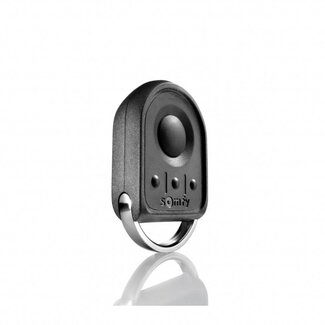
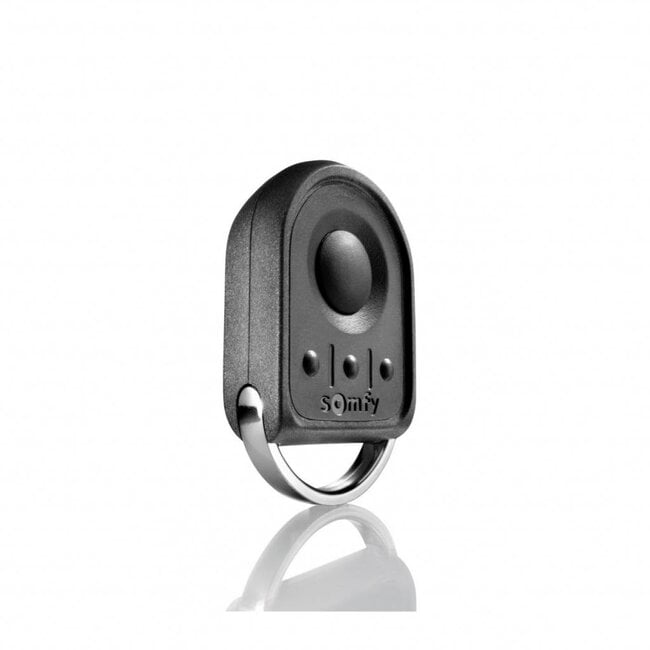
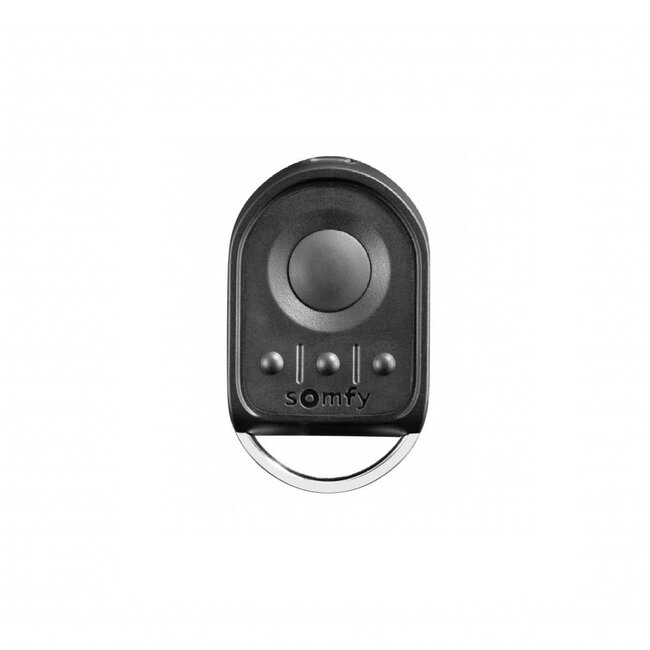
KeyGo RTS 4-channel remote control – Handheld transmitter, black Read more.
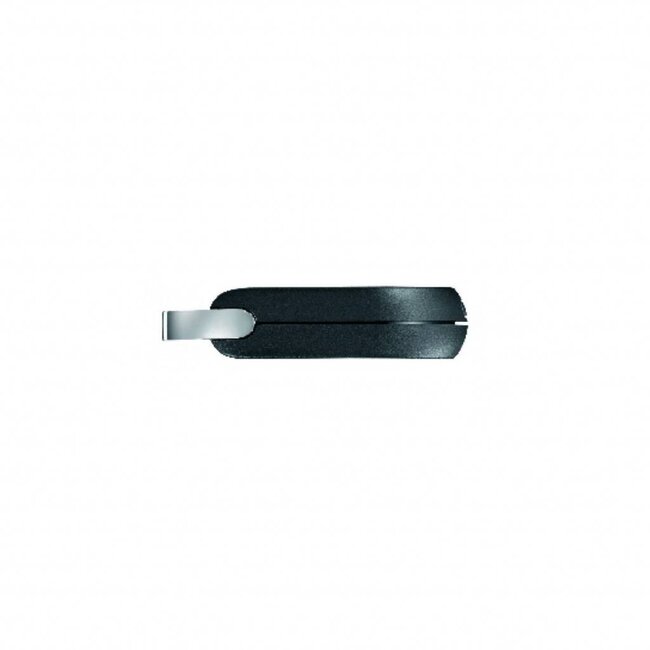
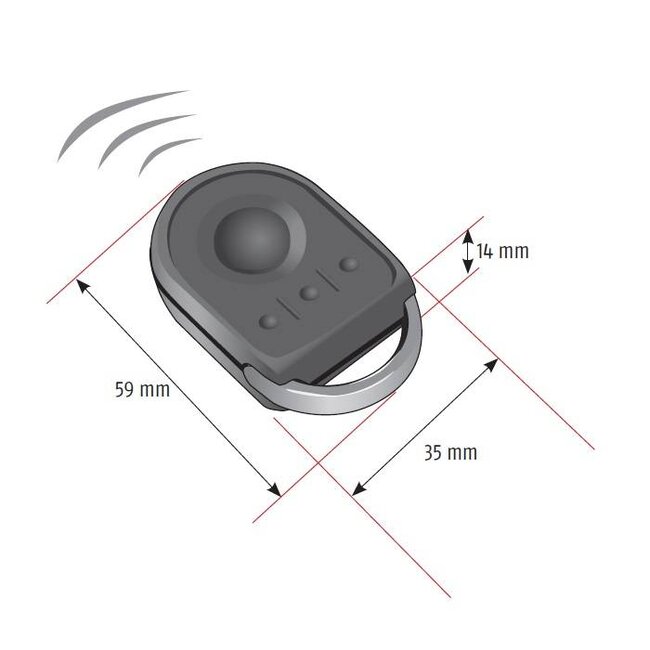
The compact Somfy KeyGo RTS remote control is ideal for attaching to a set of keys. It features a sturdy metal ring and recessed push-buttons. This prevents accidental control in a bag or trouser pocket.
Compatible with products fitted with an RTS receiver
- colour: black
- LED turns red during control
- Please note: on the Somfy io, the LED is green
- Compatible with roller shutter receivers
- sequential control (up-stop-down-stop)
- wide metal ring for attaching to a key ring
- 3 personalised rubber covers included
- It is not possible to programme RTS tubular motors or receivers with the KeyGo RTS
Setting up a new handheld transmitter on a Somfy RTS tubular motor with integrated receiver
1. Take a pre-programmed Somfy KeyGo RTS transmitter
2. Press the two outer small buttons (of the bottom three buttons) simultaneously
3. Press the button used to control the Roller shutter until the Roller shutter responds with a brief movement.
4. Take a new Somfy KeyGo RTS transmitter
5. Press the two outer small buttons (of the bottom three buttons) simultaneously
6. Briefly press the button you wish to use to control the Roller shutter; the Roller shutter will respond with a brief movement.
7. The new Somfy KeyGo RTS transmitter is now set up